
Undetected modules. Clean ClickGUI. Built for domination.

Titanium Client

Titanium Client is a powerful Minecraft utility client built for PvP, anarchy and advanced gameplay. Packed with combat modules, visual enhancements and a clean ClickGUI, Titanium gives you full control over your Minecraft experience.
AimAssist AutoCrystal PlayerESP Custom HUD Version 1.3.2 Minecraft 1.20+ Windows
Titanium Client Main UI
Client Status
STATUS: ONLINE
Core systems online, combat modules loaded and client ready for launch.
UI Feeling
Ultra Clean
A modern ClickGUI with smooth navigation, readable panels and a premium in-game feel.
Active Users
0
Players currently using Titanium Client.
Latest Build
v1.3.2
Updated combat logic, better visuals and new utility features.
Downloads: 0 · Last update: March 2026 · File size: 4.2 MB
Core Advantages

Advanced Minecraft Modules

Built for players who want combat power, strong visuals and useful utility modules in one clean client.

Combat System

Powerful combat modules including AimAssist, AutoCrystal and TriggerBot designed for competitive PvP and anarchy gameplay.

Visual Modules

ESP modules like PlayerESP, StorageESP and FullBright give you complete awareness of your surroundings.

Utility Features

Quality of life modules like Freecam, AutoReconnect and AutoFish make grinding and exploring easier.

Custom ClickGUI

A smooth and modern ClickGUI with animations, category tabs and customizable HUD elements.

Module Overview

Module Showcase

Explore the core module categories of Titanium Client

21+ Modules Combat / Visual / Misc / Client
Visual Preview

Client Showcase

Take a look at the Titanium Client interface, module system and clean ClickGUI design used in-game.
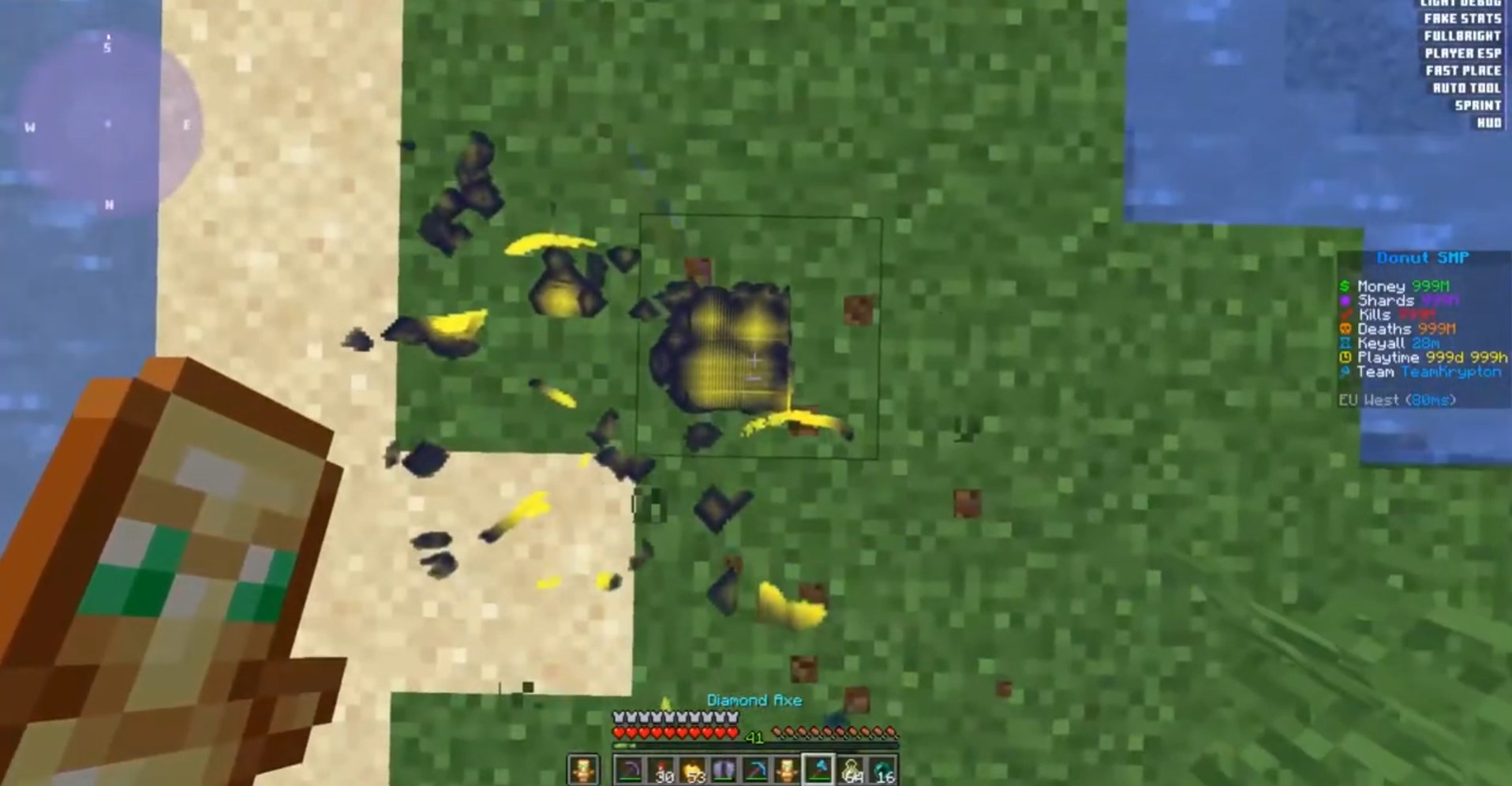
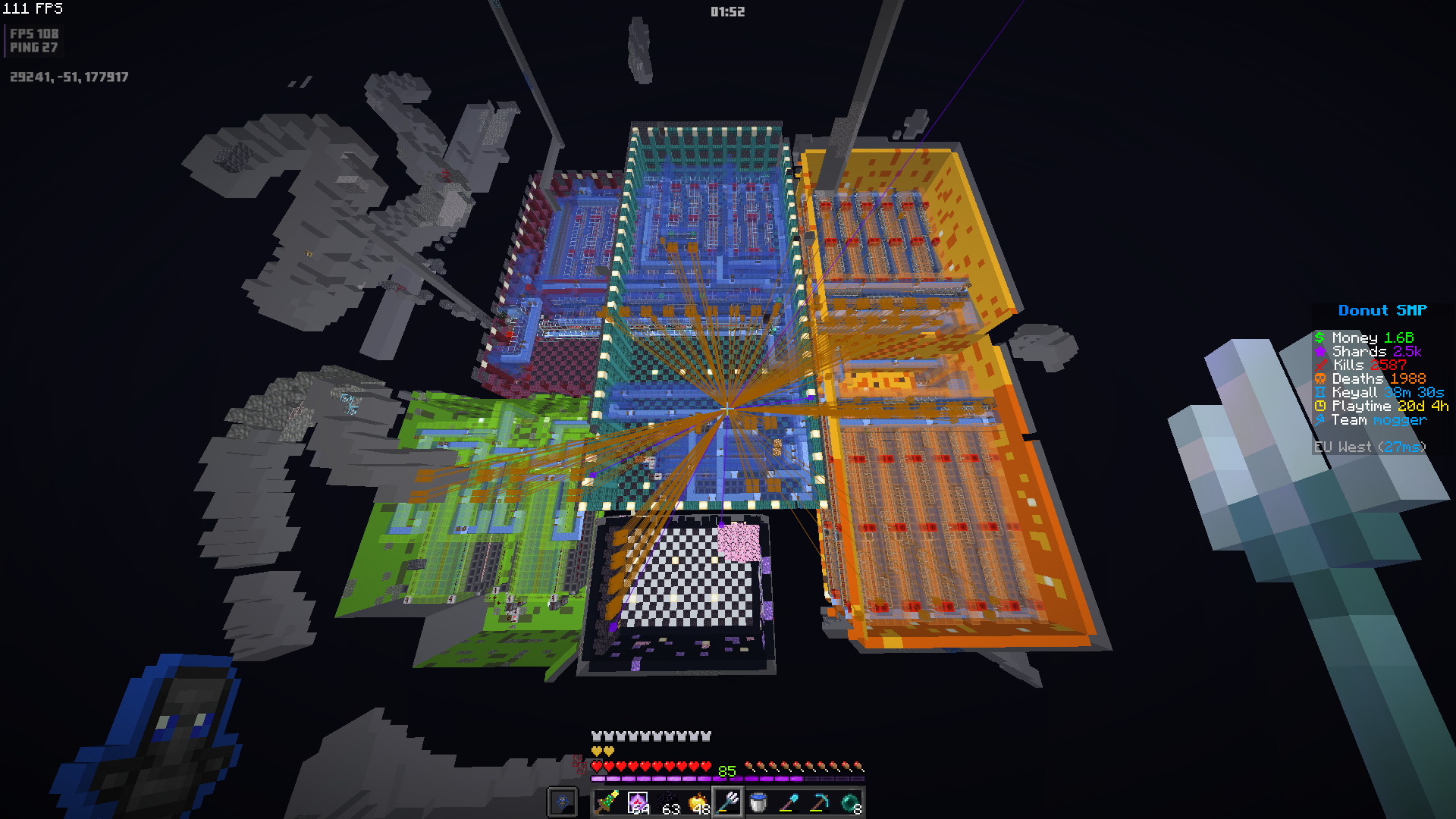
Titanium Client Main Screenshot
Titanium Client Combat Screenshot
Titanium Client Visual Screenshot

Titanium Highlights

PvP Ready
Combat
AutoCrystal
Visuals
PlayerESP
Utility
Freecam
Client
Custom HUD
Aggressive combat modules
Built to give you faster reactions, stronger targeting support and better pressure in fights.
Visual control at all times
ESP, FullBright and extra rendering tools help you track players, loot and threats instantly.
Utility that matters
Useful movement, reconnect and comfort features make long sessions smoother and easier.

Live Status Panel

Online
Online Users
0
Downloads
0
Build
1.3.2
Detection
Undetected

Built for PvP, Anarchy and Utility

Combat Modules Visual ESP Utility Tools ClickGUI
Download Titanium
Latest Update

Titanium v1.3.2 Changelog

Improved AutoCrystal timing and smarter crystal placement logic.
Added Velocity, Criticals, Tracers, NoFall and ClientTheme.
Better module hover effects, smoother category switching and stronger glow styling.
Optimized ESP rendering and improved overall in-game performance.
Quick Install

Installation Guide

Download the latest Titanium Client build with the button below.
Open your Minecraft folder and place the client files where your setup requires them.
Launch the supported Minecraft version and open the Titanium menu in-game.
Configure combat, visual and utility modules to match your playstyle.
Get Started

Ready to download Titanium?

Download the latest version of Titanium Client and start using advanced combat, visual and utility modules in Minecraft.

Required for the mod version: install Fabric Loader and Fabric API before launching Titanium.